In the old days, everything was much simpler. You recorded on cylinders or records and could simply play them back. With the invention of magnetic tape, you could even record and play back your own music programs. The introduction of computers made everything easier, but also heavier. Today, we can store hundreds of thousands of music tracks on a computer’s hard drive, making it easy to transport. CDs were an improvement, but the weight of 200 CDs alone is considerable. For DJs, mobility, handling, and quick access to data are paramount. Even juggling 200 CDs is still difficult. However, it can be quick and easy if you work with music files and a smart database.
Vinyl records
Even though some DJs still enjoy playing vinyl records, the days of vinyl and CDs are numbered. Turntables remain popular, many DJs still like to play CDs (they have their reasons), but most DJs play from a computer.
Turntables play vinyl records. No DJ would ever consider using vintage shellac records (except for one-off events). If you want to play a specific sequence of tracks, you already need a second turntable. Even then, it becomes difficult to play two tracks from the same record and achieve a smooth transition. The main problem, however, lies in transporting the records. A tango DJ plays approximately 150 tracks per evening. At an estimated weight of 180g per record, that’s already about 25 kg of records alone, which then also need to be organized. In the last 10 years, I haven’t seen any tango DJs still playing vinyl, except for a few very rare events that are specifically advertised as such. In other music genres, however, the use of vinyl for analog or digital scratching is still very popular.
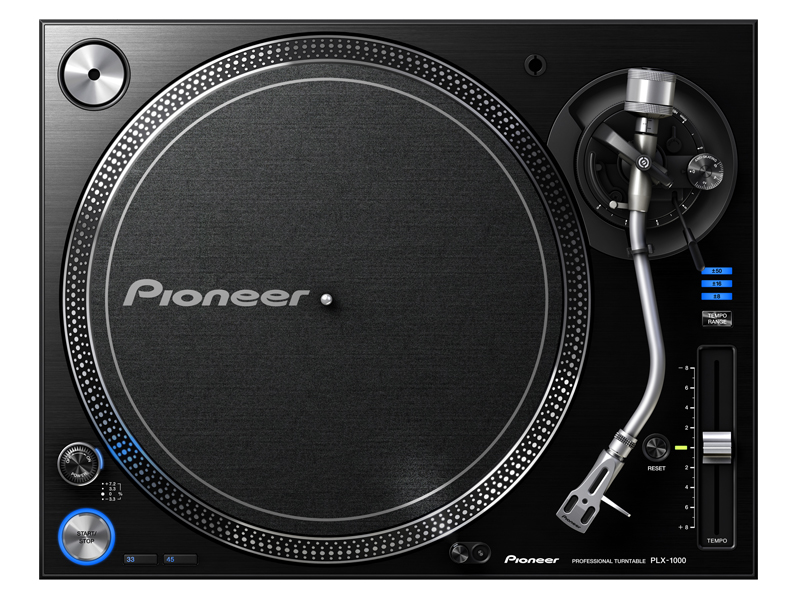
Professional DJ turntable
Compact Disks
Invented in the early 1980s, CDs offer good sound quality without scratches or noise and are easier to transport (because they are smaller than vinyl records). Many tango DJs still use CDs today. Nowadays, CDs can be individually burned and offer digital-quality music. This means that the analog recording is transferred into a digital format and written as a sequence of numbers into a file. This file is recorded on the surface of the CD and can be read losslessly by a laser beam.
Just like with vinyl records, you need two CD players (DJs call these “decks”) and the appropriate equipment to connect them. CDs can also be heavy. A CD with its case weighs about 100g. For 200 CDs, that’s still 20 kg. But at least they’re smaller.
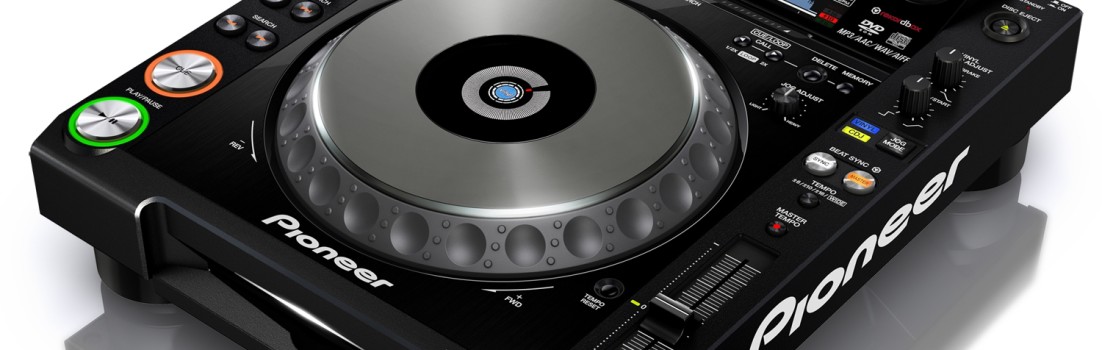
Here too, the problem arises of crossfading two tracks on the same CD. Professional DJs use two separate players, but some clubs also have so-called dual CD players available (see image).
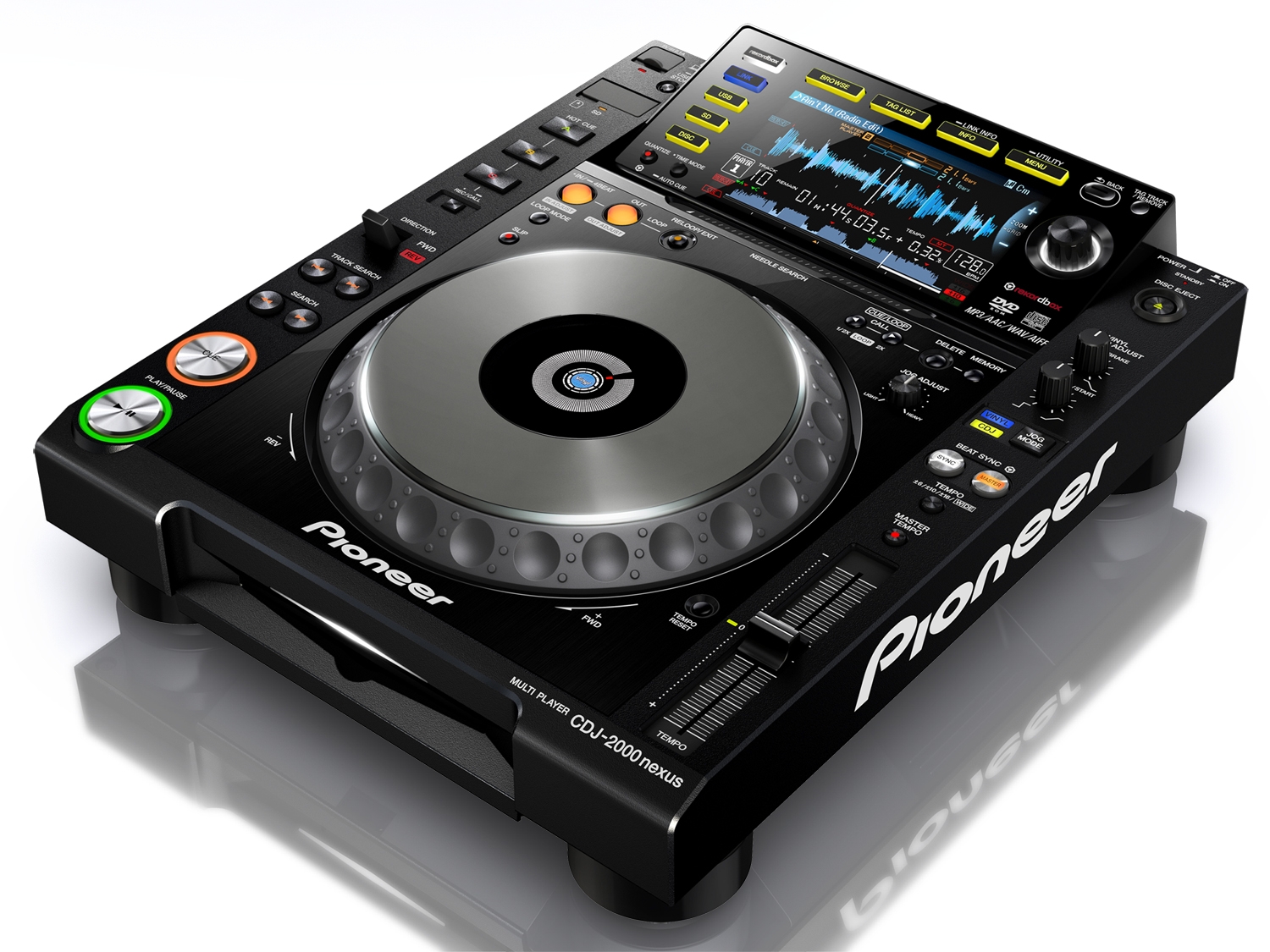
Professional DJ CD player

Professional dual CD player
Computers and digital playback devices
Computers can easily store and process digital information. The idea of storing (already digitized) music files on a hard drive is therefore logical. While storing large amounts of data was extremely expensive in the 1980s, it has become increasingly affordable over time. Today, standard computers can easily store and manage tens of thousands of music files. All you need is enough space on the internal or external hard drive and the appropriate management software. Mobile DJs typically use portable computers such as laptops, tablets, or dedicated players (iPod, etc.). The most commonly used systems are Apple laptops or Windows PCs.
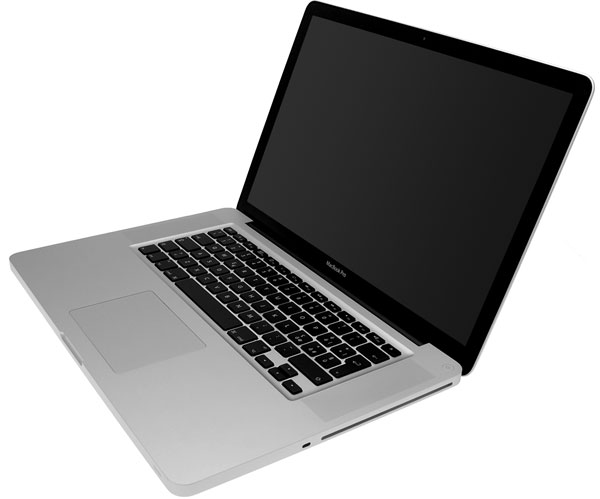
Apple Notebook
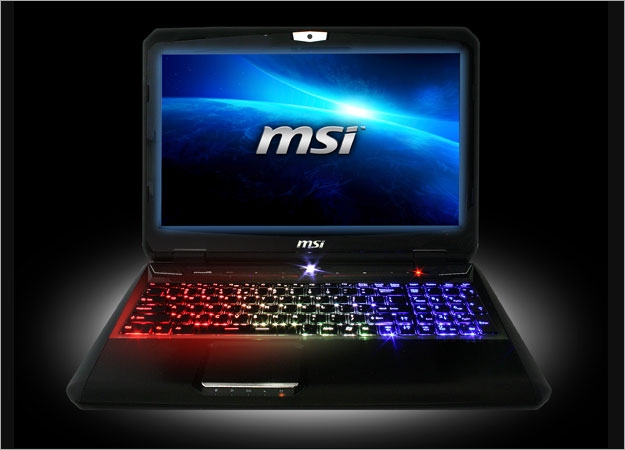
PC/Windows Notebook
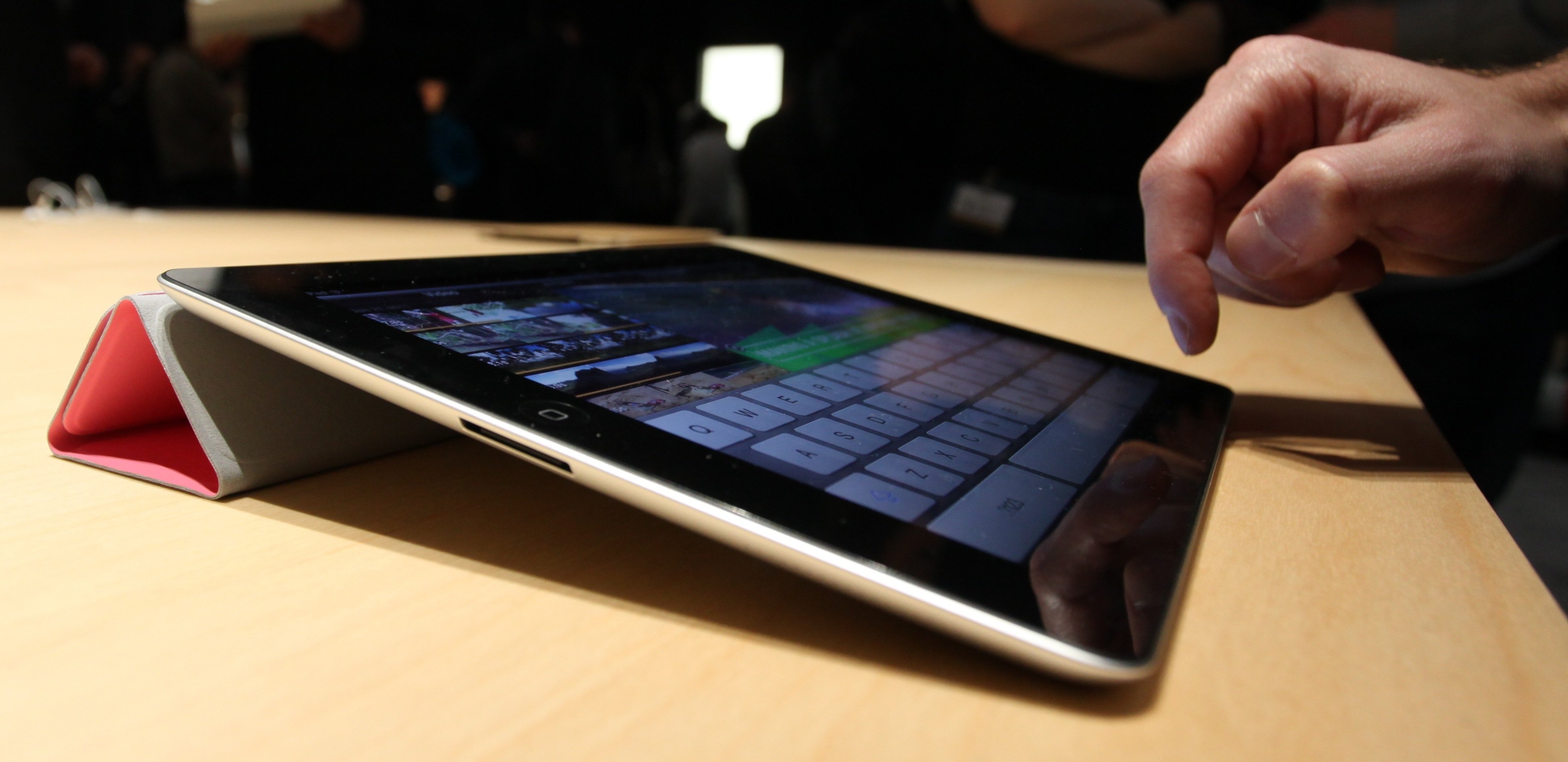
Apple IPad 2

External 2TB hard drive with space for an entire Tango collection.
To play the music, the computer must convert the digital data into an analog signal, which can then be fed back into a processing chain. This is called decoding. In traditional computers, this was done by a so-called sound card with a dedicated converter chip. Modern computers and laptops already have this chip built in, but they usually only provide one audio output, which is insufficient for DJs (two outputs are needed for the two decks and at least one output for headphones for monitoring).
In addition to these restrictions, the quality of the usual converter chips is rather poor [1].
For typical DJ applications, external audio interfaces are often used, which are digitally connected via USB2 and offer sufficient inputs and outputs of higher quality. These are also suitable for use with semi-professional equipment.
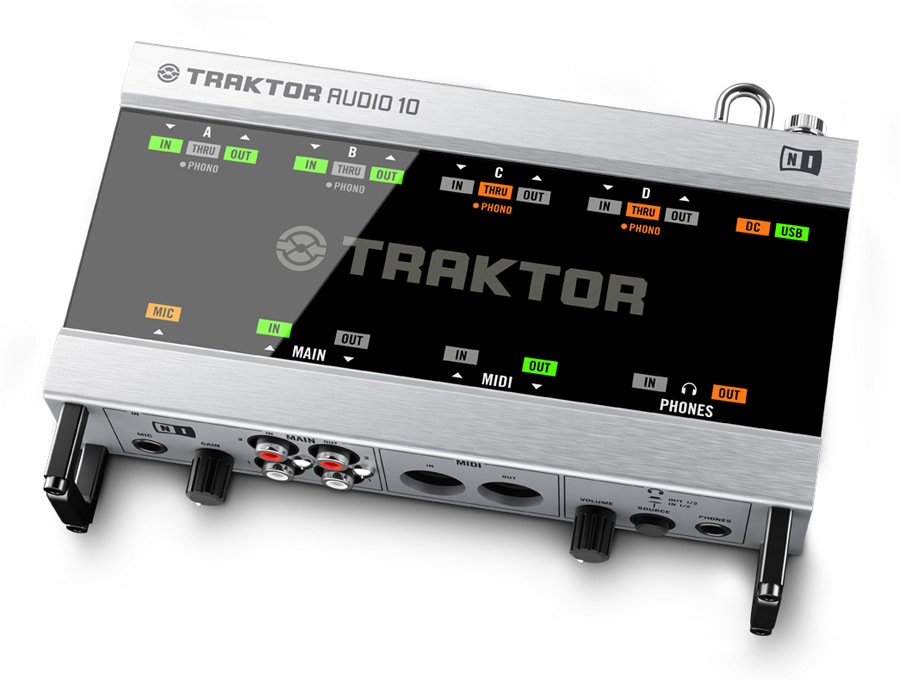
External audio interface for DJing
Mixing consoles
For semi-professional or professional DJing, two decks must be connected to a device that can mix these signal sources and send the result to the speakers. These devices are called mixing consoles because they can mix signals from multiple sources. Besides the DJ decks themselves, microphones or other inputs (e.g., for an iPod) are also common. DJ mixing consoles typically have 4-5 input channels and 1-2 outputs. Additionally, you can use headphones to monitor one deck while the other deck is playing live.
The channels are controlled via sliders. DJ mixers also have a crossfader, which allows the DJ to directly blend between the two decks. The traditional setup is a combination of two decks (turntables or CD players) with a DJ mixer.
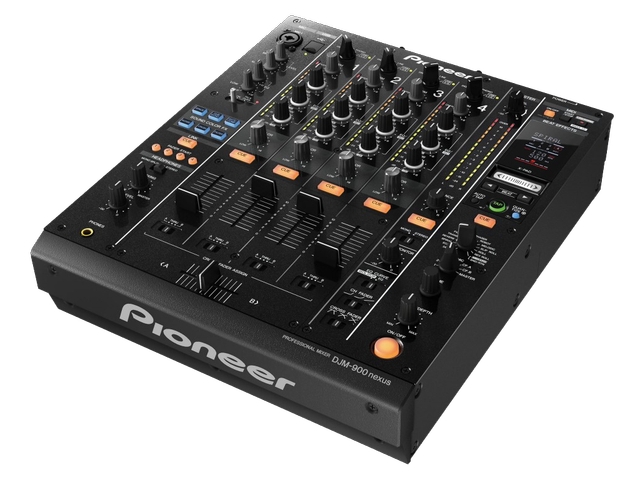
Modern digital DJ mixer
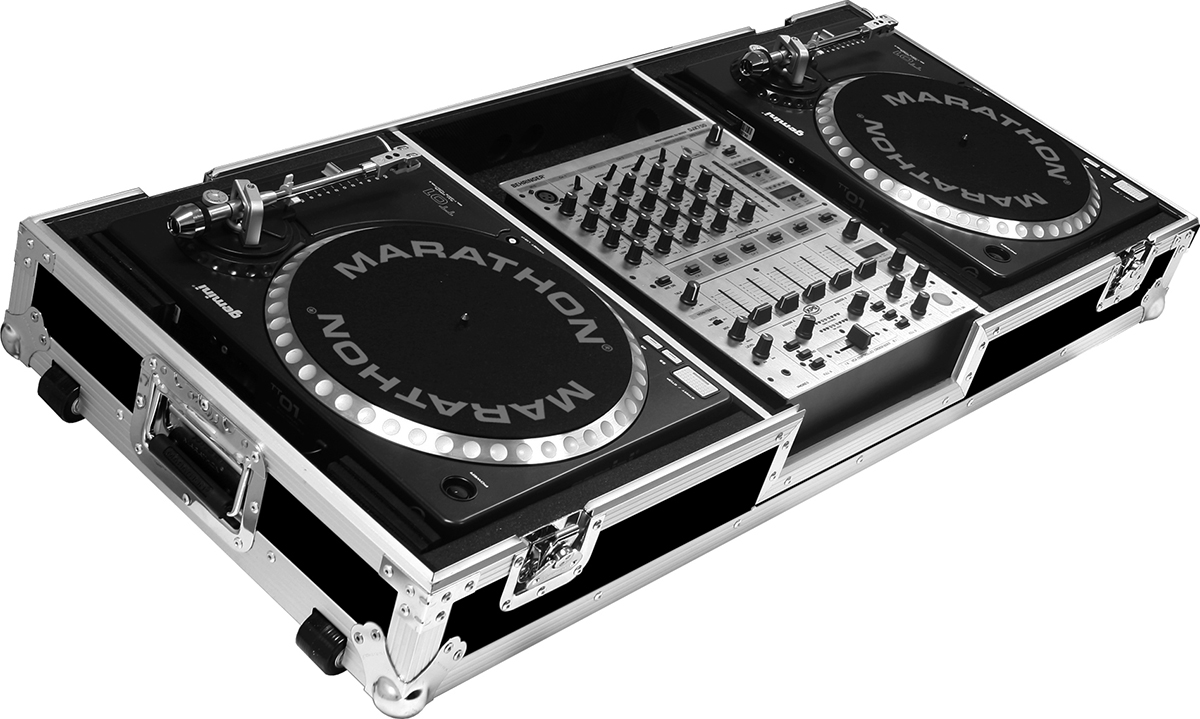
2 turntables and a mixing console

2 CD decks and a mixing console
Digital DJ Controllers
Digital DJ controllers are a combination of a digital mixing console and an external audio interface. This means they control the software settings on the computer and decode the computer’s digital output into an analog signal using a typically superior decoder chip. The controllers look almost like a combination of two CD players and a mixing console (see image). They are less expensive than the individual components and, because they are usually perfectly adapted to the software used, they provide a better working environment. Professional DJs find using a mouse and computer screen during a gig too distracting and therefore prefer working with knobs and buttons.
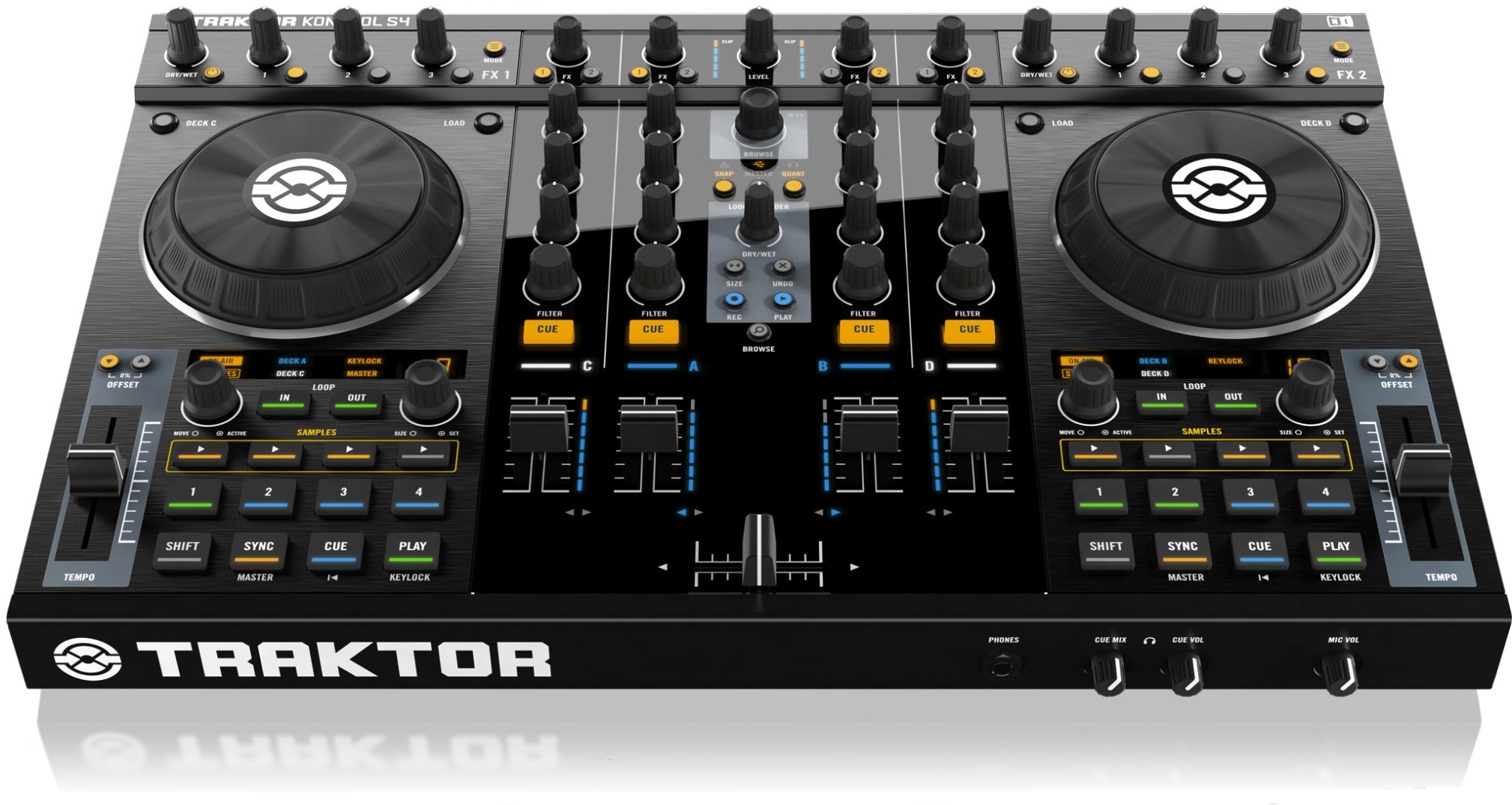
4-channel digital DJ controller with integrated mixer
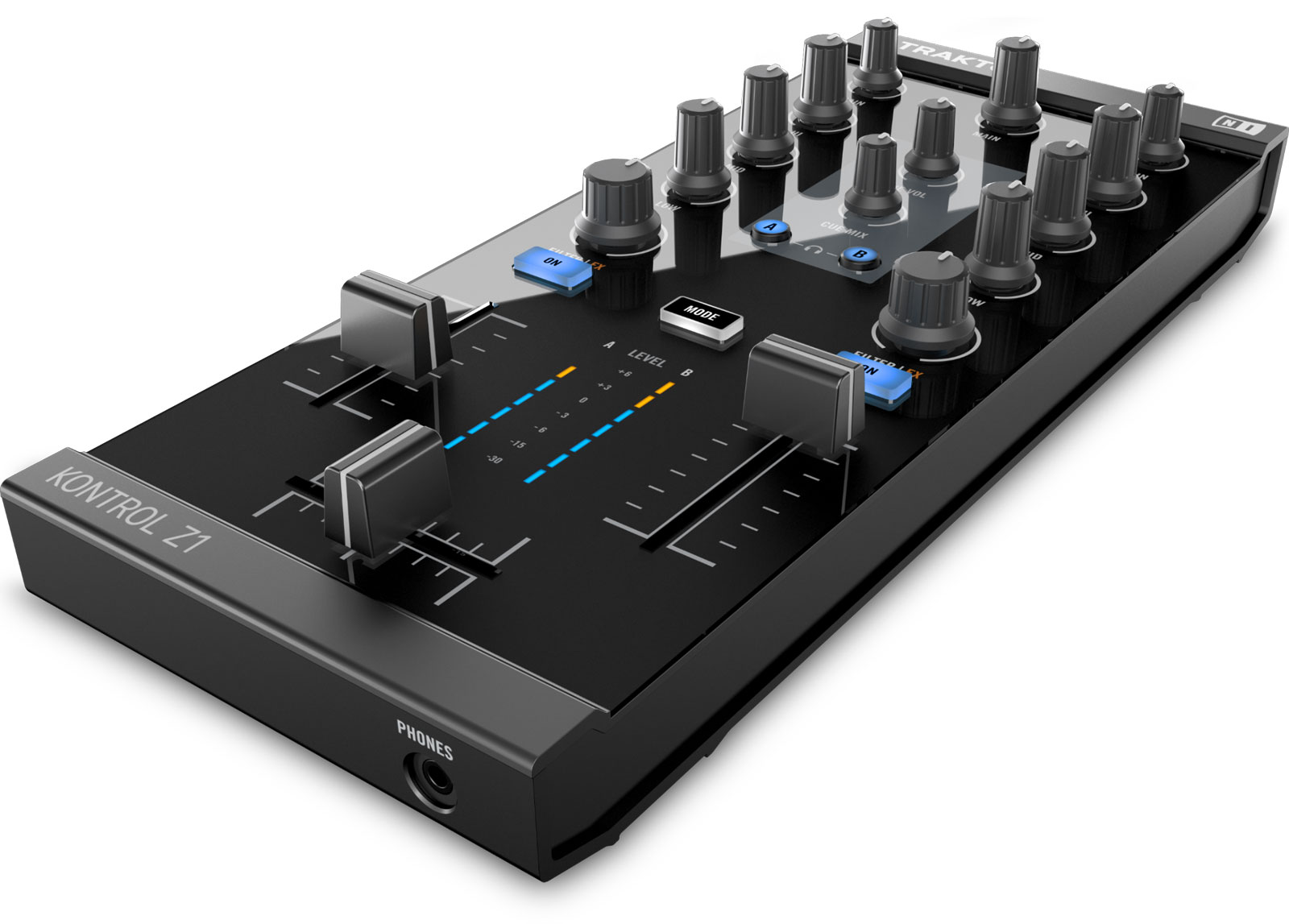
2-channel digital DJ controller with integrated mixer

DJ controller without a sound interface, only controls the software
Sound System
The combined audio signal then goes directly into the sound system. Traditionally, this consists of speakers driven by an amplifier.
Large sound systems can involve multiple speakers and amplifiers. These may also be supported by a house mixing console and a house equalizer (a device for sound adjustment, more on that later).
These days, so-called active loudspeakers are in vogue; they have a built-in amplifier. Their advantage is that the amplifier and loudspeakers can be optimally matched, ensuring the speaker always operates within its specifications. These systems typically include speakers for the mid/high frequencies and subwoofers for the bass.
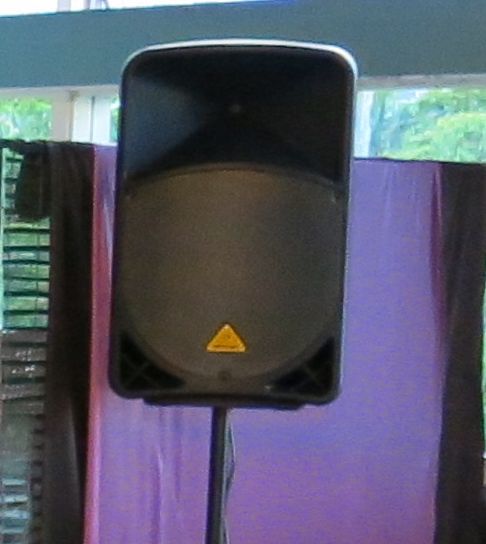
Active speaker on stand

Subwoofer for bass frequencies below 150 Hz.
Is this suitable for tango?
So what’s the future of tango? Personally, I believe the era of vinyl and CDs is drawing to a close. The equipment for modern tango DJs is a laptop with an external audio interface and cueing capabilities. You can always opt for semi-professional gear, such as a DJ controller or a digital mixer. The latter will be the way forward, as digital-to-analog conversion should occur as late as possible in the transmission chain to ensure the best possible quality.
Have fun,
-DJ Ricardo
1 http://de.wikipedia.org/wiki/Soundkarte