
All we need to play tangos is a laptop, and that will do almost any laptop as long as it has enough power to drive the sound card and enough storage to hold the music collection. Personally, I don’t trust external storage devices. They can fail, and if you start DJ software without external storage, dramatic things can happen (even losing your database). So please, only ever use external drives for backups (but do them frequently!).
For proper DJing, we need a second audio output for cueing. Some older laptops have this built in, but nowadays you rarely find laptops with multiple outputs. The DJ needs to be able to do their job, and that’s simply not possible without occasional cueing when making changes to the software.
Professional DJs from other genres have discovered that operating complex software on a small screen with a mouse, or even worse, a trackpad, is no easy feat. The current trend is to use the mouse almost entirely during a gig. As an aside, the same applies to computer monitors; increasingly, screens are being integrated into controllers. Controllers are devices that control the software functions of the DJ program. Although they may look like mixing consoles, they aren’t. They simply relay the position of a control to the program, which then uses this information to control its functions. Controllers often have their own integrated sound cards, which are usually of high quality. Controllers are available in all sizes and with a wide range of features (see below).
So let’s look at some simple configurations. I’ve already tested all of these at milongas.
1. Notebook and external sound card
A decent laptop and an inexpensive USB sound card for monitoring with simple headphones. That’s all you need for a basic solution. The software must be able to access both sound cards (internal and external).
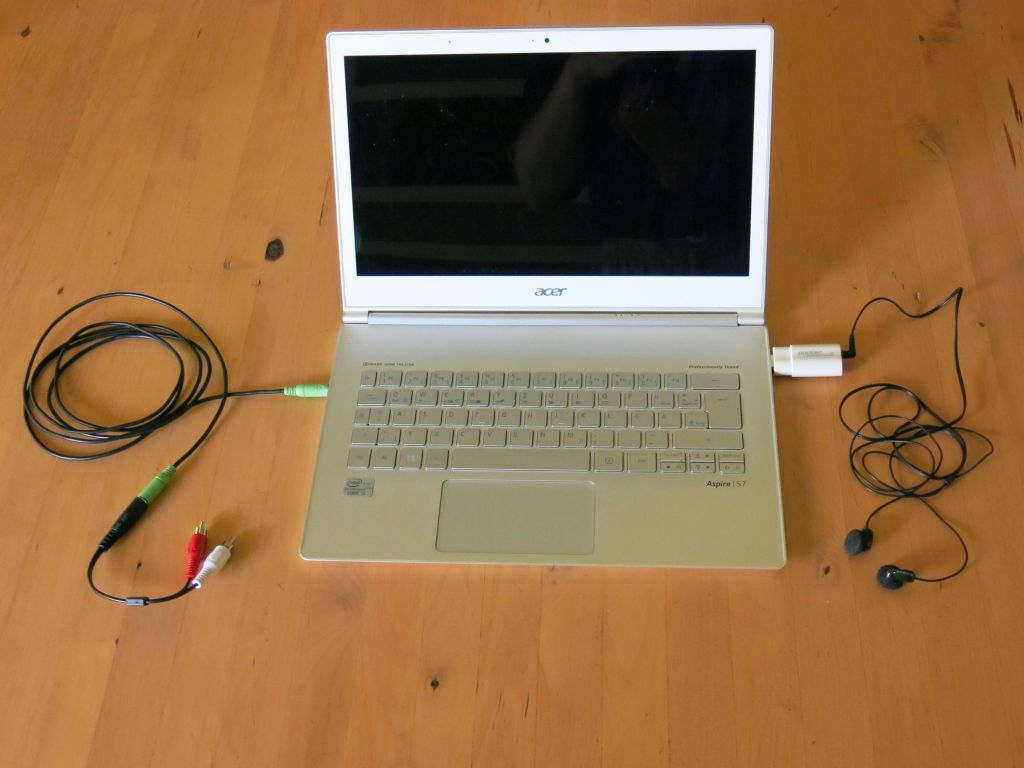
Minimalism for DJs
Anyone willing to spend an additional €20 on an inexpensive external multi-channel sound card to increase software compatibility (the software then only needs to control one device) should also be prepared to spend another €20 on an external mouse.

Notebook with external multi-channel sound card
2. Small DJ Controller
Better external sound cards also include a controller for the internal mixer. Here’s the Z1 controller from Native Instruments (a Berlin-based company), around €200. I can highly recommend it, as it works with other programs besides Traktor and, in my opinion, offers the best value for money. I’ve DJed at large milongas with it. The device includes a license for Traktor 2.0 LE.
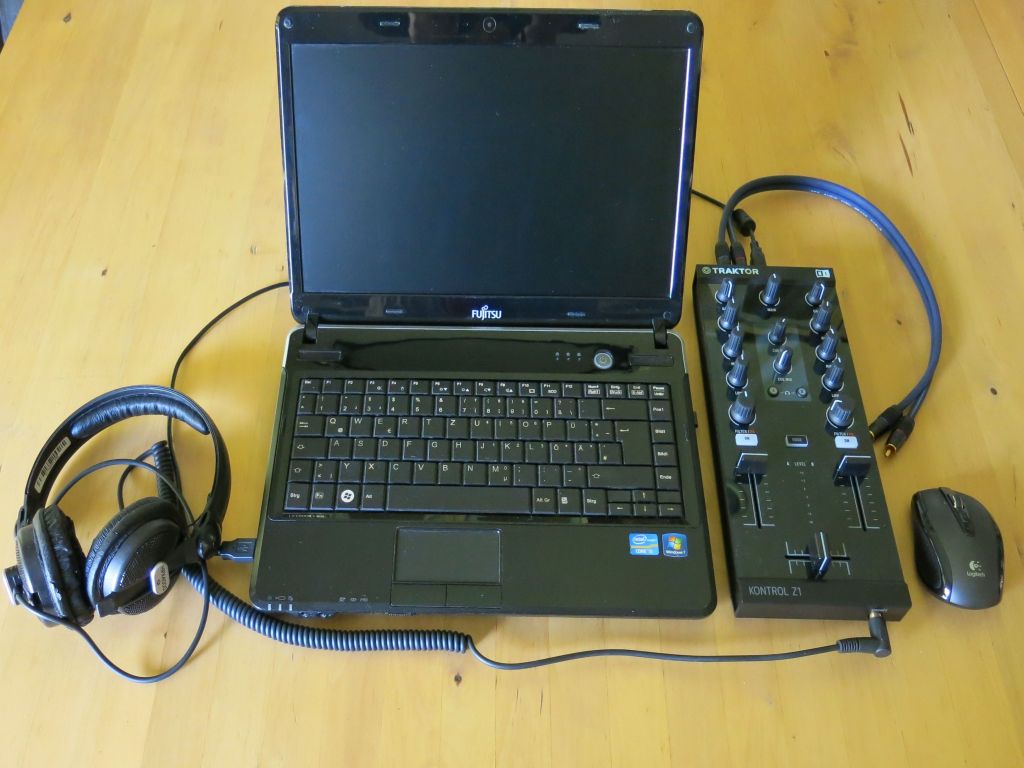
Z1 Controller by Native Instruments
If you also want to control the decks and the playlist, you can add the Controller X1. You just need another USB port. For me, that’s a near-perfect solution.
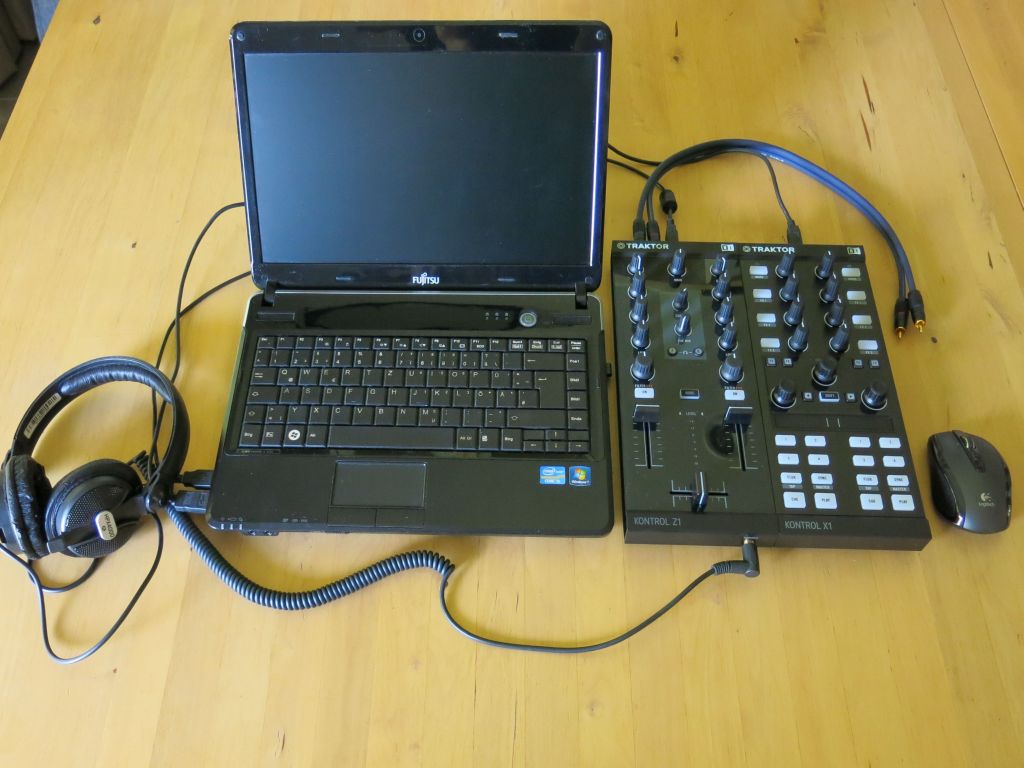
Combination of Z1 and X1 (Native Instruments)
3. Large DJ Controllers
In my opinion, full-size DJ controllers are overkill for the Tango DJ. Sometimes, though, you can find them cheaply when the next generation of controllers, or even the one after that, is about to be released. I got this S4 (from Native Instruments) very cheaply and only bought it for the included Traktor Pro 2.0 license. The case was more expensive than the controller itself….
Incidentally, I personally love cases that simultaneously protect the equipment and also make setup and transport faster.

Large DJ controller (S4, Native Instruments)
4. External DJ mixer
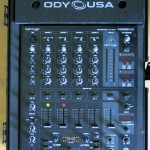
For very large events, additional inputs are needed (microphone, iPod, second PC). In these cases, it’s sometimes handy to have your own mixer. I use a Behringer DJX900USB with a built-in sound card (unfortunately only single-channel). As expected, it comes in a practical carrying case.
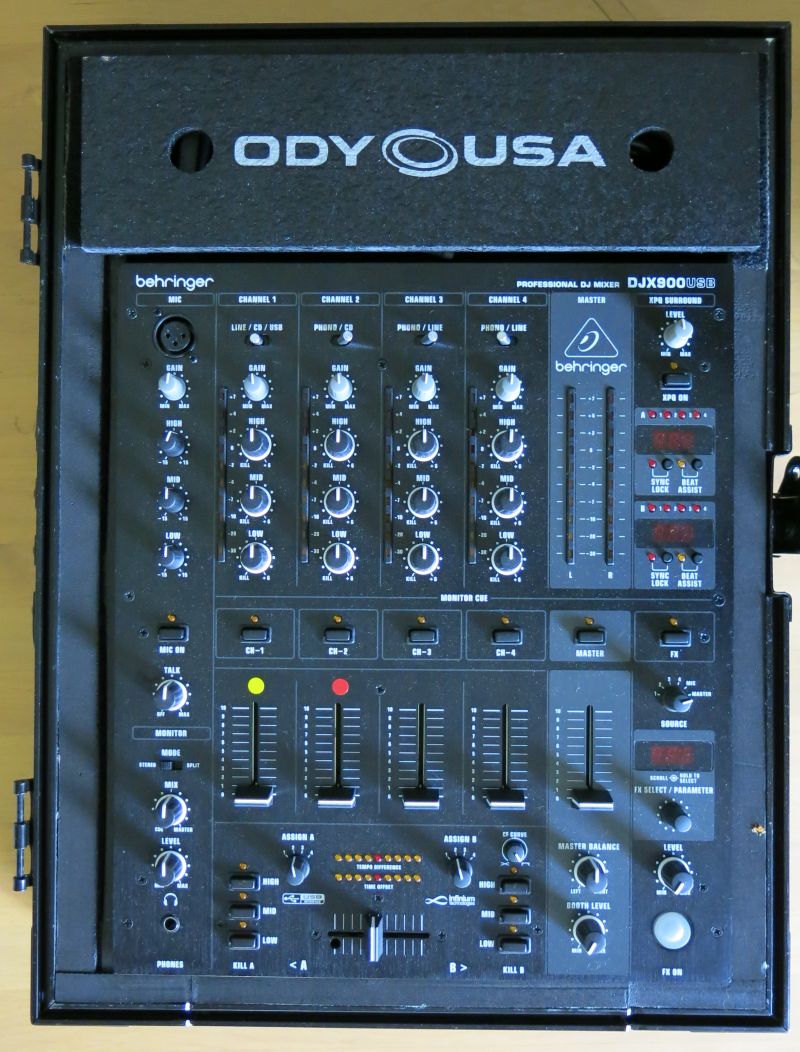
5 Port DJ Mixer
In addition to the case containing the PC and controller (including all necessary power supplies and cables), I also have a smaller case just for audio cables that might be needed in emergencies (blue in the picture). This one usually stays in the car.
-
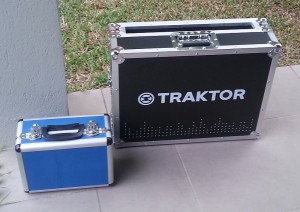
Two boxes contain all the gear. The big box contains controller and notebook, The small box additional cables for emergencies.

So, at the scene, all I have to do is open a case and establish a network and audio connection to the building’s sound system. I also carry one or more printouts of my playlist, as well as a pen and (adhesive) paper for requests. Anyone who asks me for a song more than once is disrupting my work. In that case, I politely hand out a printed playlist, which usually resolves the issue (provided I’m still following the playlist). A flashlight is also handy.
As a DJ, you should always have a plan B for when the equipment fails. I used to keep my playlist on my tablet, but now I have a second PC in my car that’s synced with my current collection and playlist.
Abrazos,
-Richard (DJ Ricardo)